Contents
Retirement planning and investing can often feel confusing and overwhelming. With complex jargon and a wide range of investment options, it’s easy to become frustrated. WealthRabbit, the first digital SIMPLE IRA management solution, is designed to simplify the retirement planning process for both employers and employees. WealthRabbit provides users with the tools and guidance they need to build their financial future with confidence and clarity, every step of the way.
In this blog, we’ll walk you through the employee onboarding process step by step, making it easier than ever to get started.
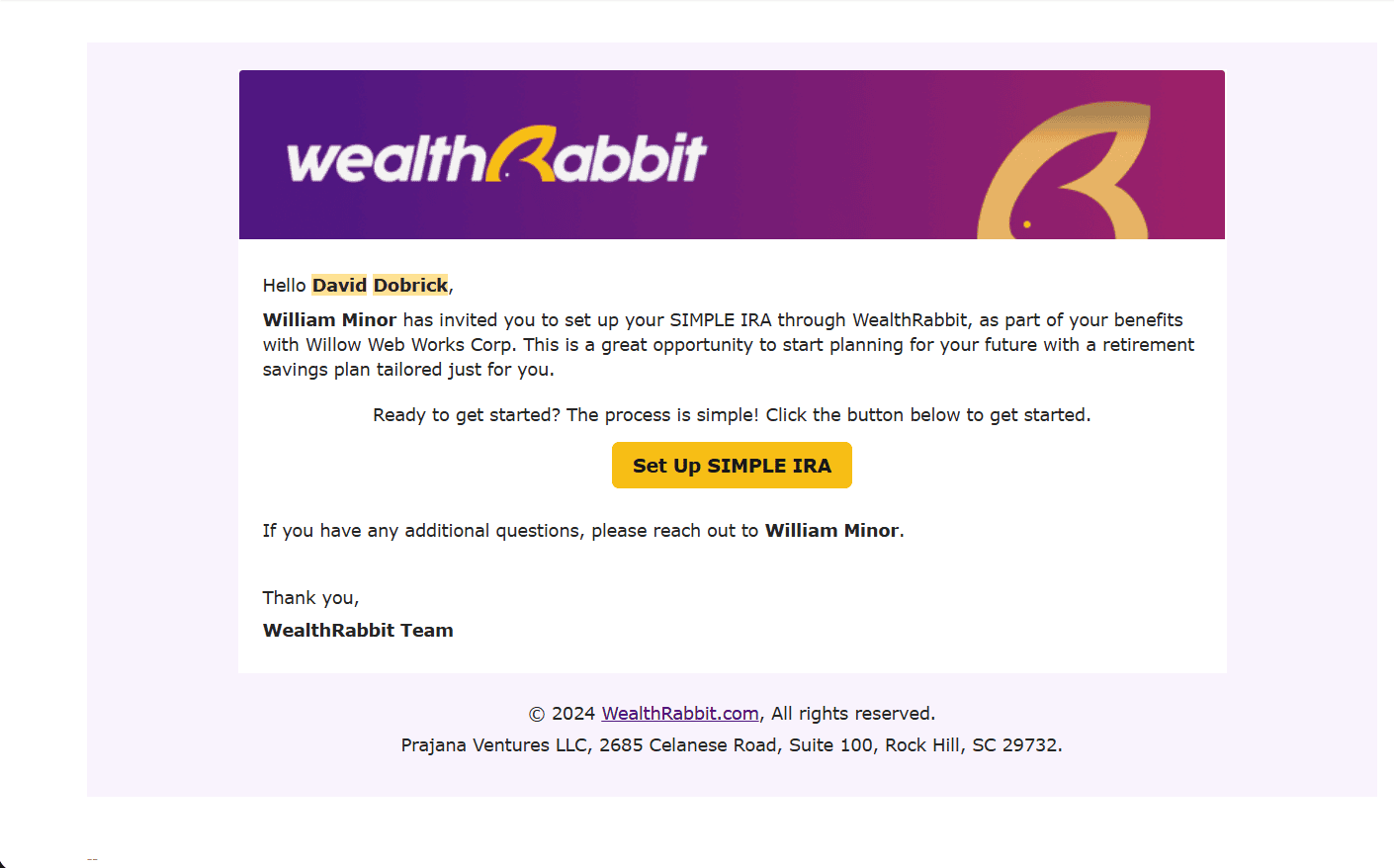
Setting Up Your Employee Account
The first step in onboarding is setting up your employee account. Your employer will send you an email invitation to create your account. From there, you’ll create a username and password to access your personal employee portal, where you can easily track your investments. Setting up your username and password is easy and secure.
Security You Can Count On
As a WealthRabbit employee, you’ll benefit from top-tier security measures to protect your personal information and investments. Here’s how WealthRabbit protects your account:
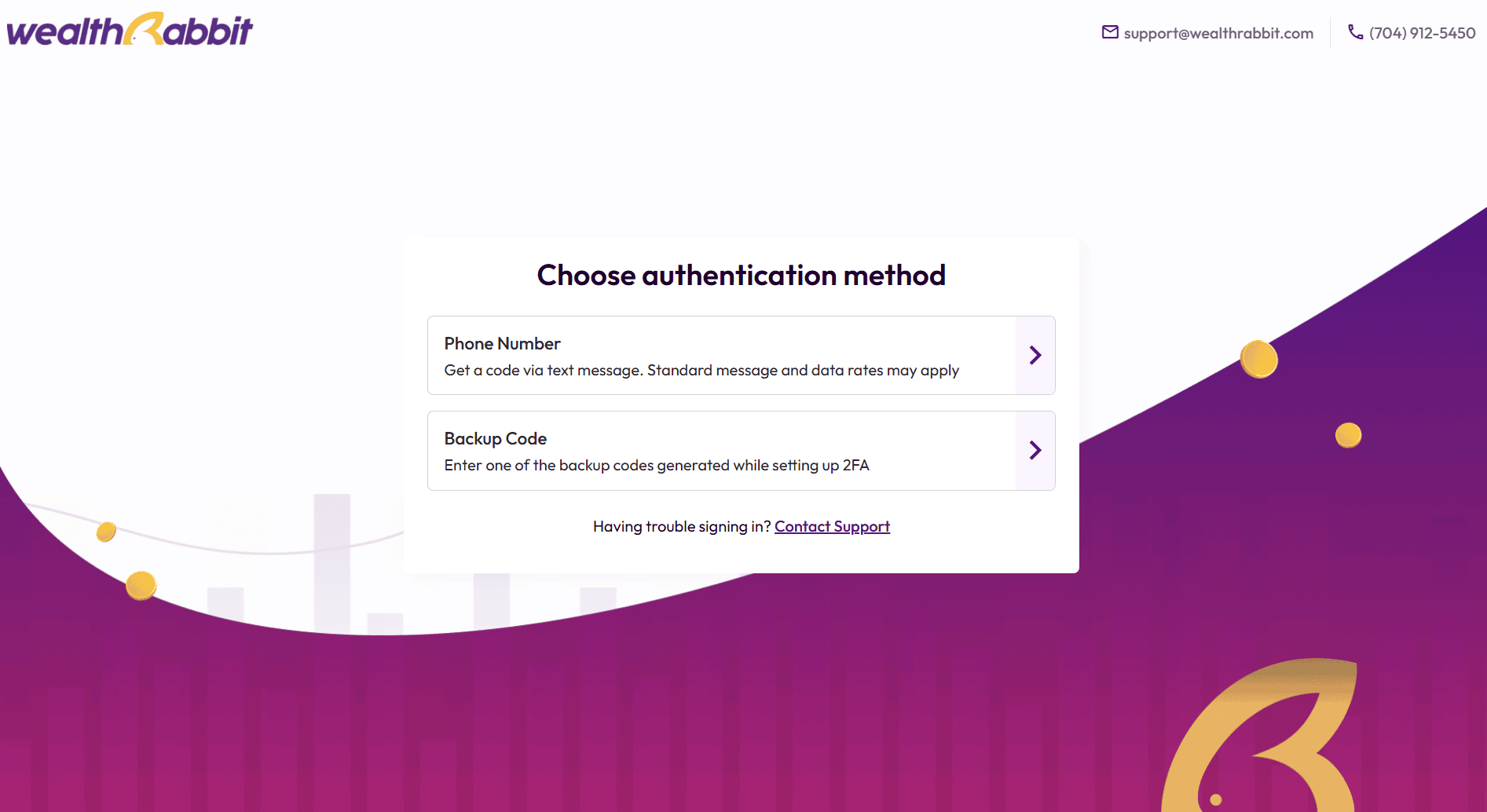
Two-Factor Authentication: Choose from options like phone number verification, an authenticator app, or backup codes.
Secure Sign-In: Each time you log in, you’ll be prompted to enter a verification code in addition to your password.
Setting Up Your SIMPLE IRA
Once you have created a secure account, you can get started building your employee profile and setting up your SIMPLE IRA. There are 5 sections that you will need to complete in order to set up your SIMPLE IRA. Don’t worry—our user-friendly employee portal will guide you through each step! Let’s break down the process:
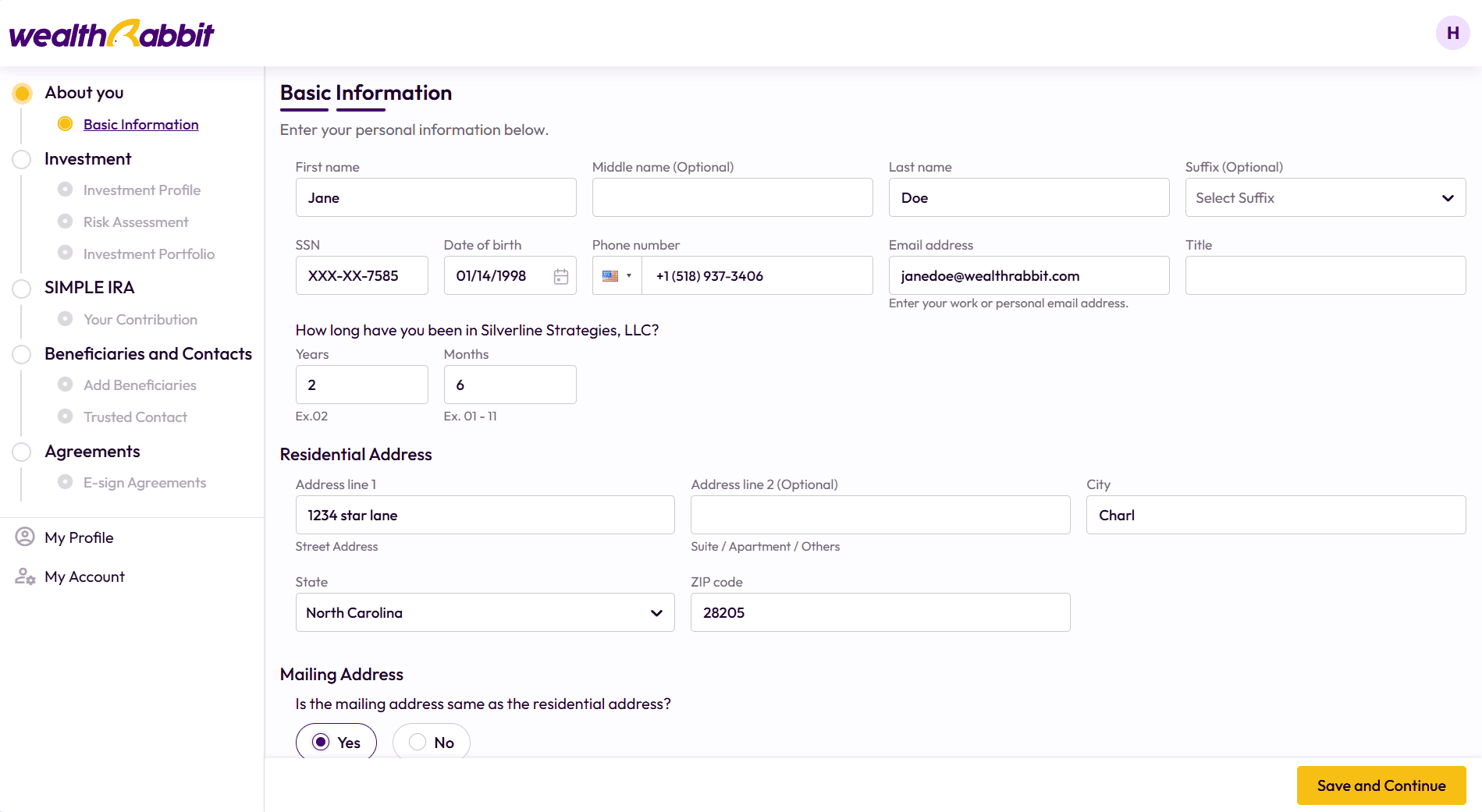
1. About You
In this section, you will add basic information about yourself.
2. Investment
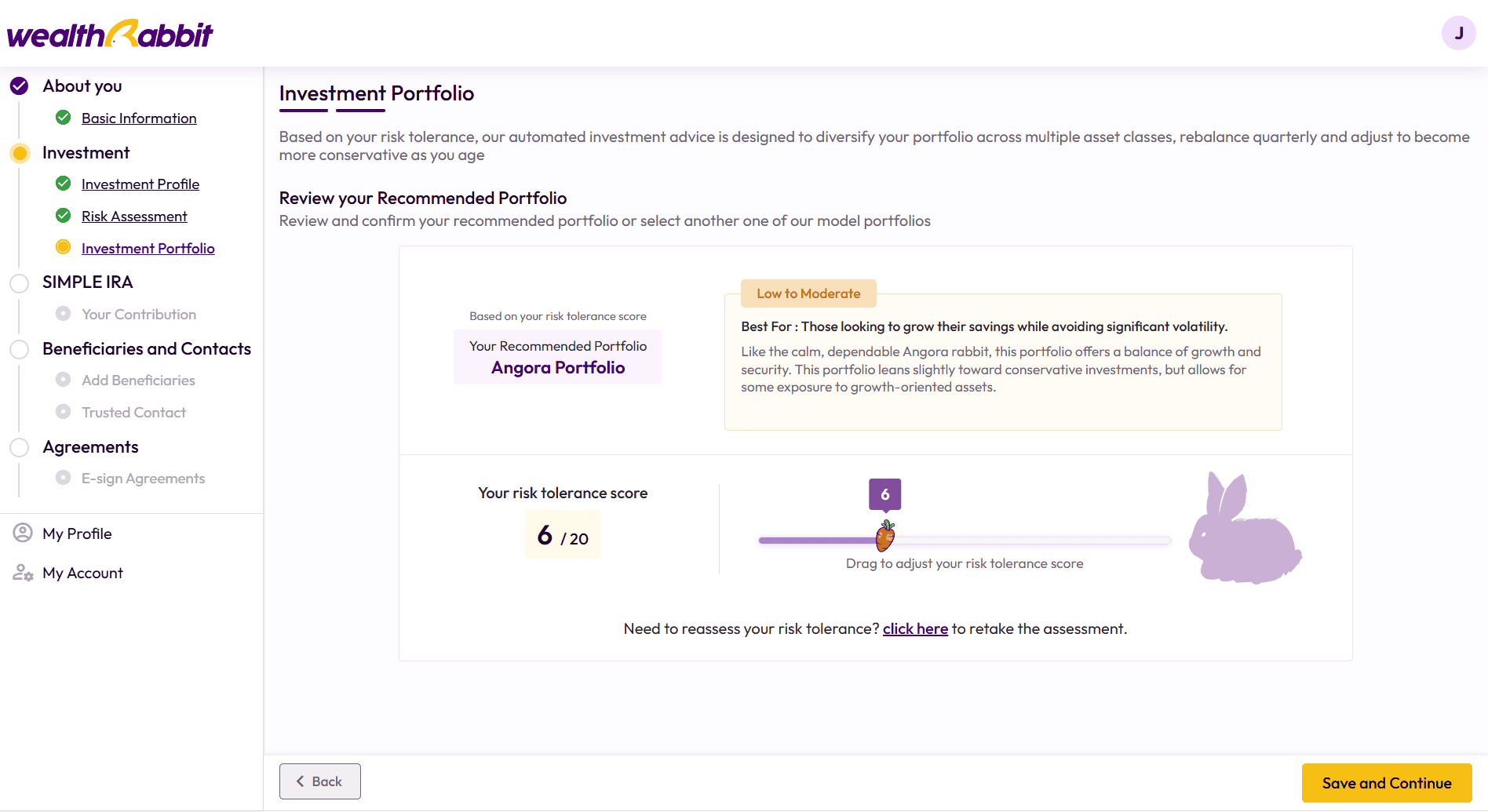
This section will go through your investment profile, risk assessment, and investment portfolio. Let’s take a closer look:
- Investment Profile: This section will gather details about your financial background, including your net worth, annual income, tax filing status, and more. Not sure about something? Don’t worry! Our employee portal provides clear, step-by-step instructions with detailed descriptions, so you’ll never be left guessing.
- Risk Assessment : Take a quick survey to assess your risk tolerance, and we’ll design a portfolio tailored to your unique needs based on your answers. The survey covers important factors such as the age you plan to retire, your financial goals, your outlook on your financial future, your investing experience, and your comfort with risk.
- Investment Portfolio: After completing the Investment section, you’ll receive an automated investment recommendation tailored to your personal choices. This recommendation is customized based on the preferences and information you’ve provided. Feel free to review the portfolio we’ve selected for you. If it doesn’t feel like the right fit, you can reassess your risk tolerance or choose a portfolio on your own.
3. SIMPLE IRA
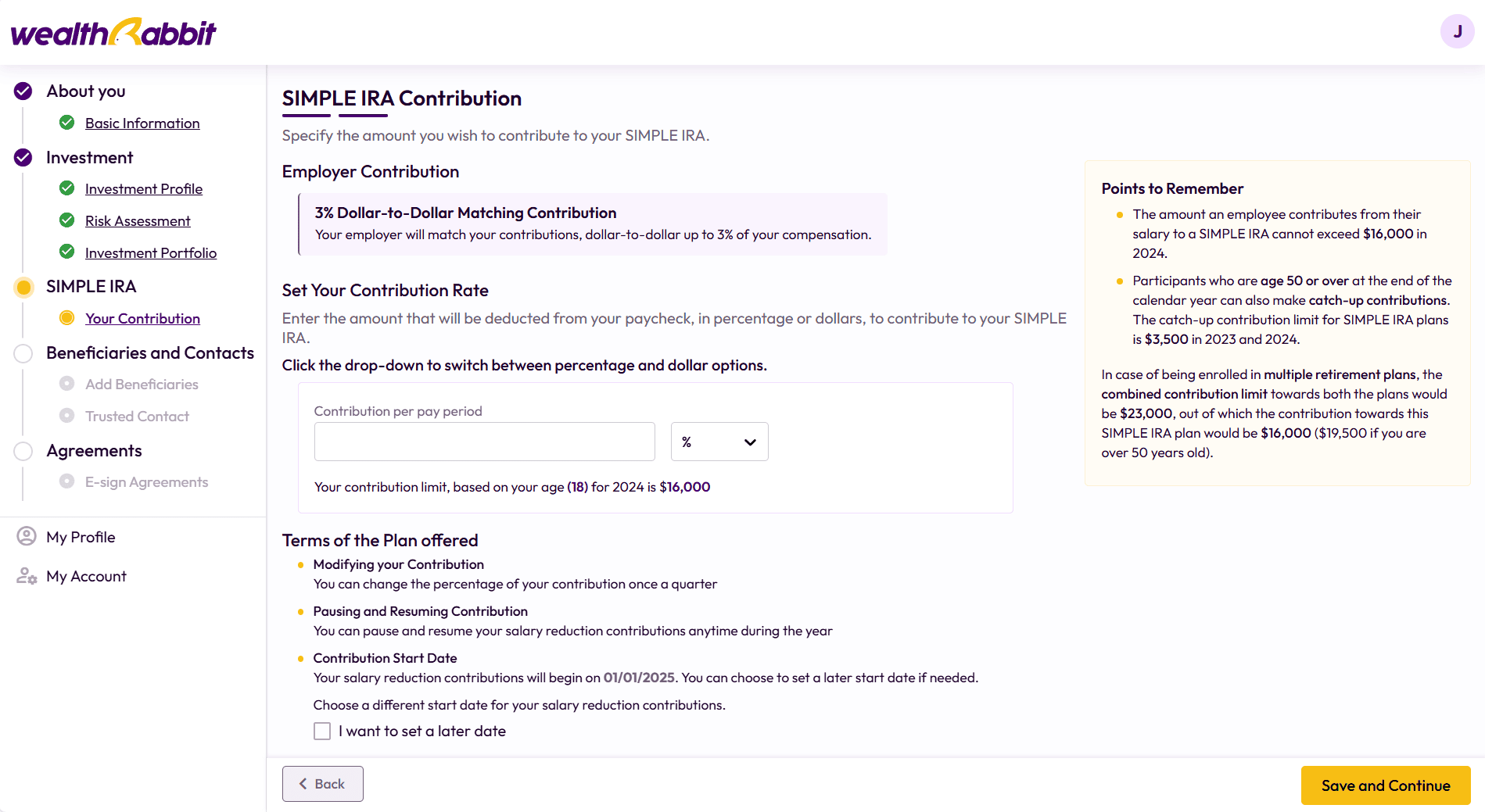
In this section of employee onboarding, you’ll set up your SIMPLE IRA contributions. As with every part of the process, this is designed to be simple and straightforward.
Your employer will match your contributions in one of two ways (as determined by them):
- Dollar-for-dollar match up to 3% of your compensation, or
- A fixed 2% contribution.
Next, you’ll set your contribution rate. Simply enter the amount—either as a percentage or a dollar value—that will be deducted from your paycheck and contributed to your SIMPLE IRA.
With WealthRabbit, you have the flexibility to easily modify your contribution amount (based on your employer’s preferences) and pause or resume contributions as needed.
4. Beneficiaries and Contacts
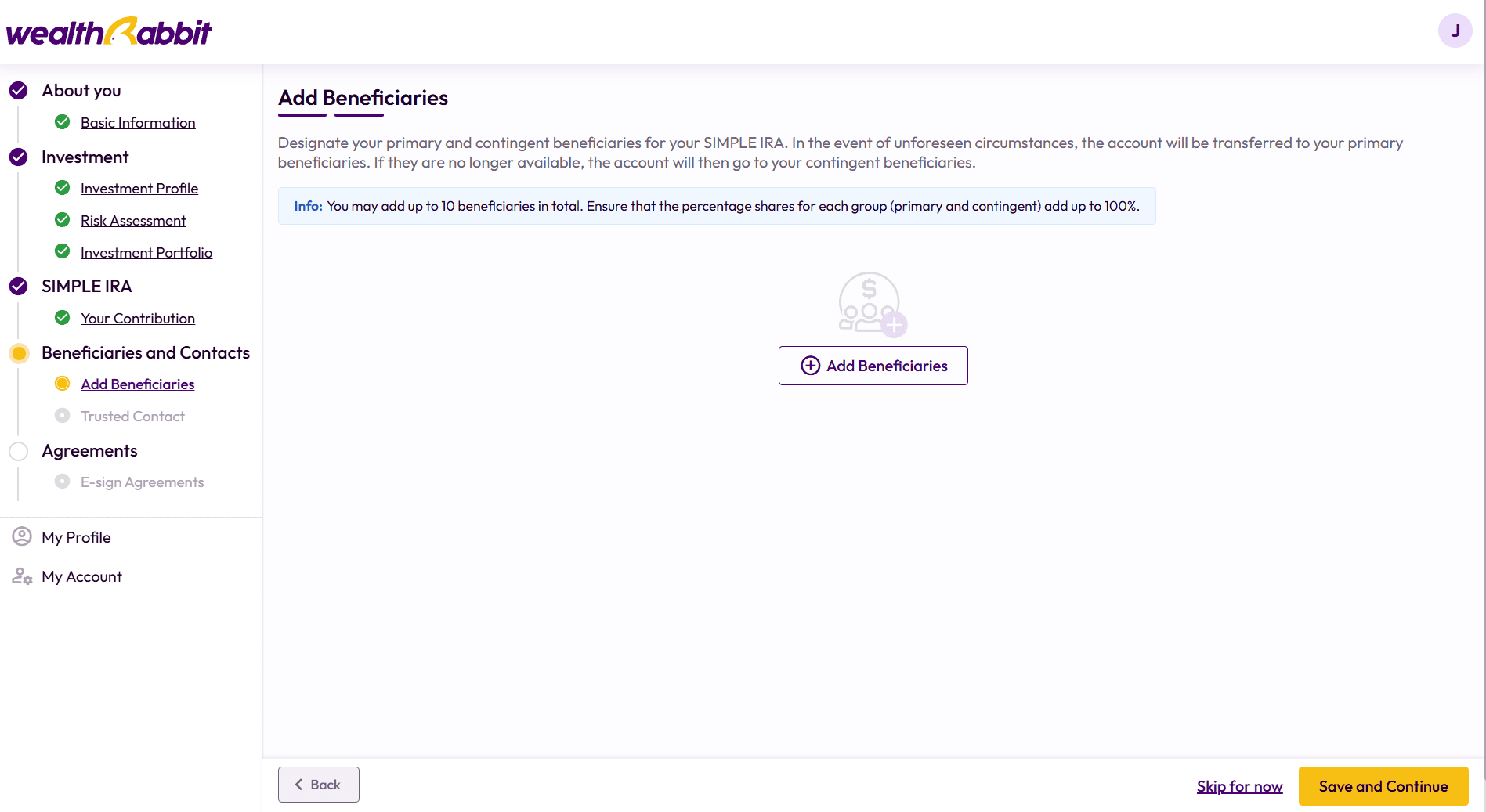
In this stage of onboarding, you will designate your primary and contingent beneficiaries for your SIMPLE IRA. In the event of unforeseen circumstances, your account will be transferred to your primary beneficiaries. If they are no longer available, the account will go to your contingent beneficiaries.
Trusted Contacts
You also have the option to add a trusted contact—someone we can reach out to in case of unusual activity on your account. Please note that trusted contacts do not have the authority to access your account or make transactions. This step is optional but recommended for added security.
5. Agreements
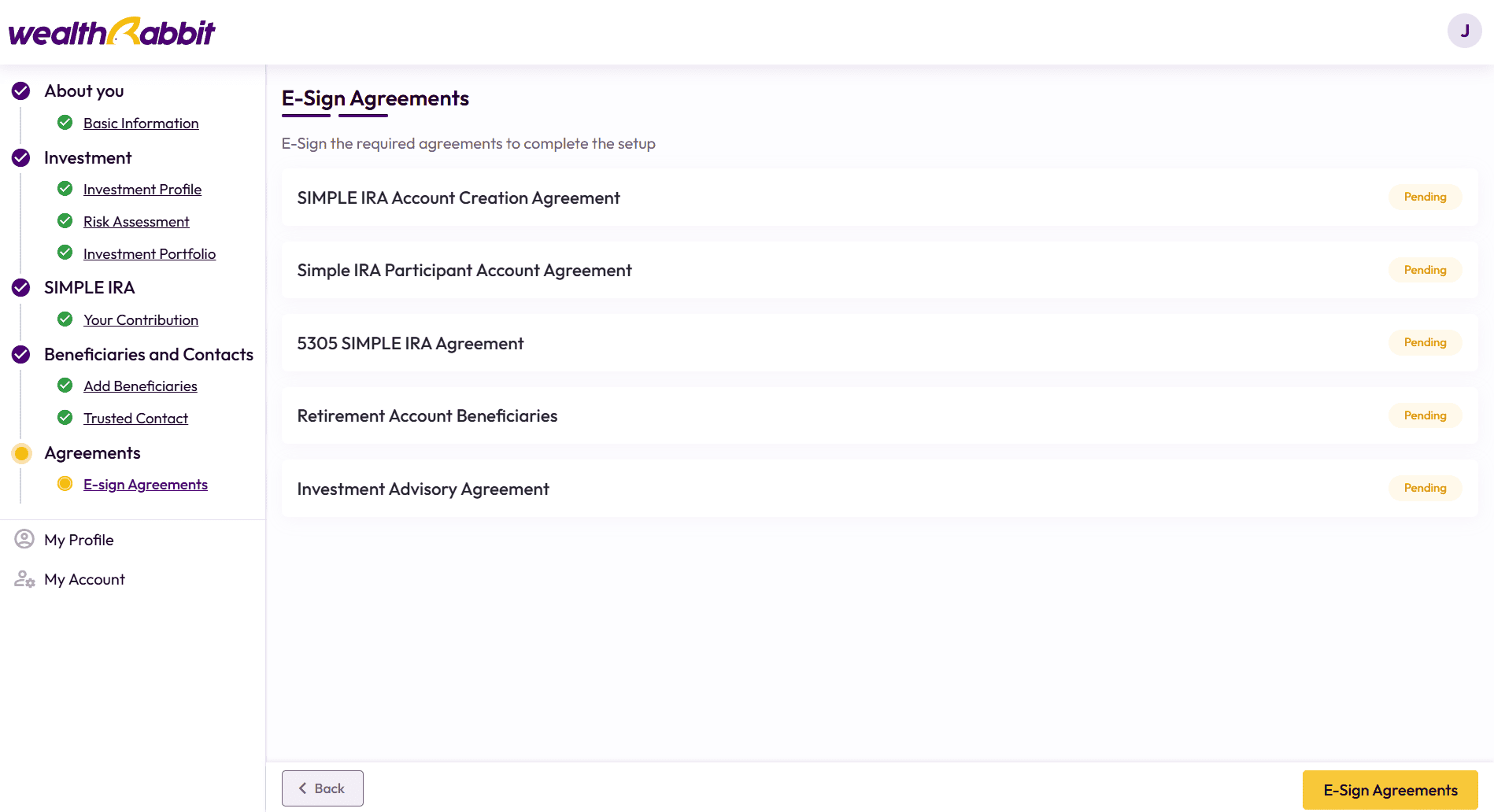
Before completing the onboarding process, you’ll need to review and sign the required documents. Our e-signature feature makes this process quick and simple—just click on each document, review the content, and add your e-signature.
After signing all the required documents, you’ll have the opportunity to review the information you provided to ensure accuracy. Once everything looks good, submit your application to set up your SIMPLE IRA.
That’s it—you’re all set! Let us handle the rest. Yes, it really is that easy!
Manage Your Plan with Ease
Congratulations! Your SIMPLE IRA plan is now set up. You can manage the plan through WealthRabbit’s employer portal, which features an easy-to-use dashboard designed to help you stay on top of your retirement plan.
Welcome to WealthRabbit!
Once your account is set up, you can take full advantage of our user-friendly dashboard to easily monitor your contributions.
Dashboard Features:
- Account Summary – View an overview of contributions, account balance, and plan details.
- Real-Time Contribution Updates – Monitor contributions and investment performance with up-to-date insights.
Go Mobile!
Want even more flexibility? Download the WealthRabbit mobile app to manage your SIMPLE IRA plan on the go! The app provides instant access to your account, real-time notifications, and investment insights—all in the palm of your hand.
Start Your Retirement Journey Today
Setting up a SIMPLE IRA has never been this simple. With WealthRabbit’s digital tools, automated processes, and expert support, you can focus on growing your investments for a secure financial future.
For a more visual demonstration of the onboarding process, check out our Employee Onboarding Demo Video.
About the Author

Not sure which plan fits?
Answer three quick questions about team size and budget - we'll match you to a plan, no reading required.